
Have you been wondering how not to show some Conditional Fields on your Form because it doesn’t apply to every user?
Have you been wondering how to know which section of the form your clients are dropping off?
Have you been wondering how to capture more data for from Leads, Customers, Feedback, Survey without using eternal Form Website Like Google Forms or TypeForm?
These questions and many more are the reasons why we’ve developed Flexform for you and your Business.
Imagine the power of Advance Form Builder similar to Google Form/Typeform within your RISE CRM software.
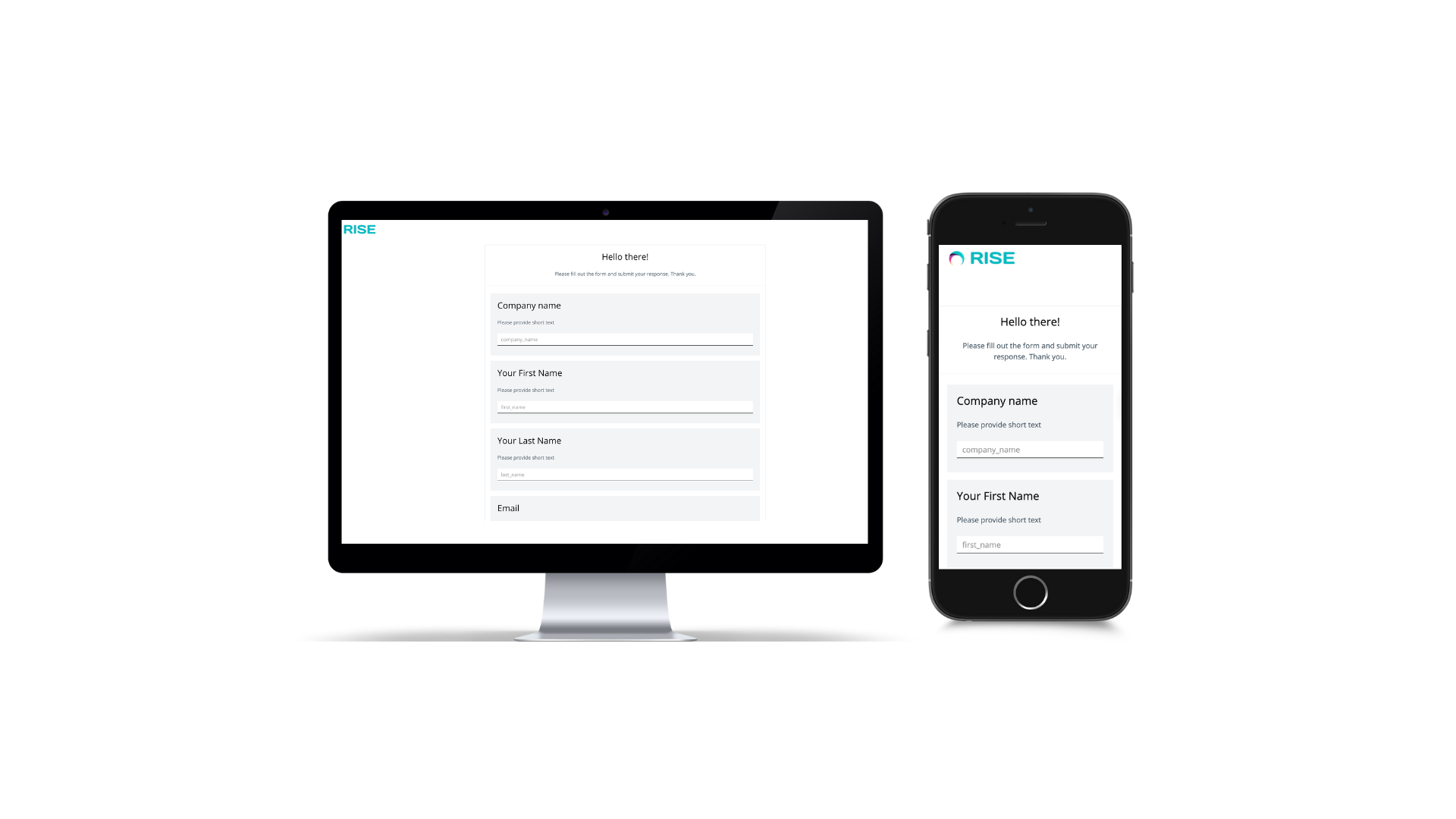
You can now Create an Awesome and Modern Form within your RISE CRM Software.
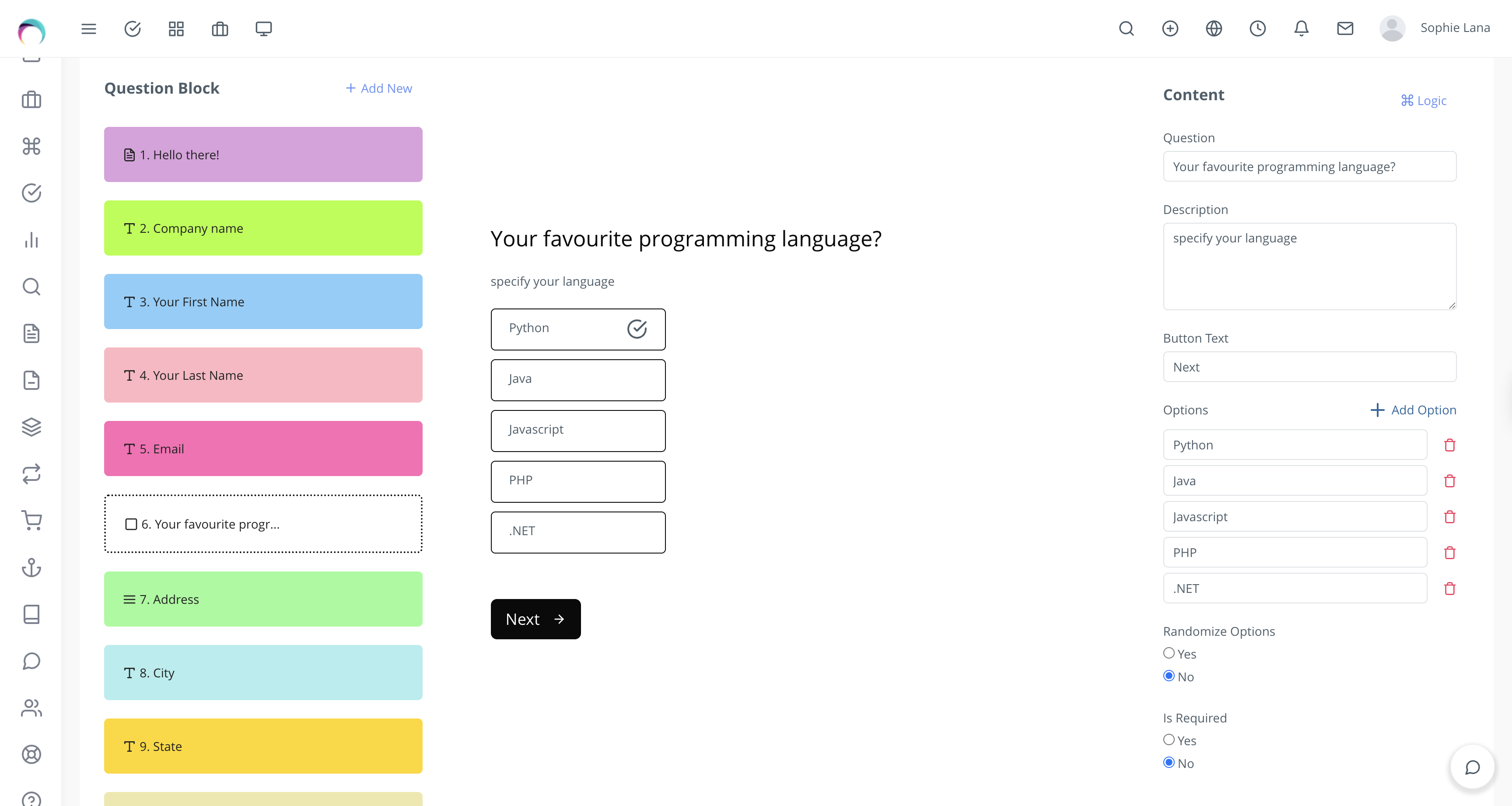
Still wondering why you are not getting enough Leads or data for your business, they might be dropping off half way on the Web to Lead Form, With FlexForm, you can View and Access Partial Submissions .
Privacy
You no longer have to worry about how third party Form websites handles your Clients and Business data, you can now manage it in house.
Saves Time
Your users don’t have to see Form Fields that doesn’t apply to them. You don’t have to create multiple forms just because you don’t want them to see fields that doesn’t apply them. You can resolves that with Flexform Smart Conditional Logic
Improves Privacy
You no longer need to hand over your user data to external Form website or worry above how they manage your data. With Flexform, you can Manage Everything internally within your RISE CRM
Beautiful Designs
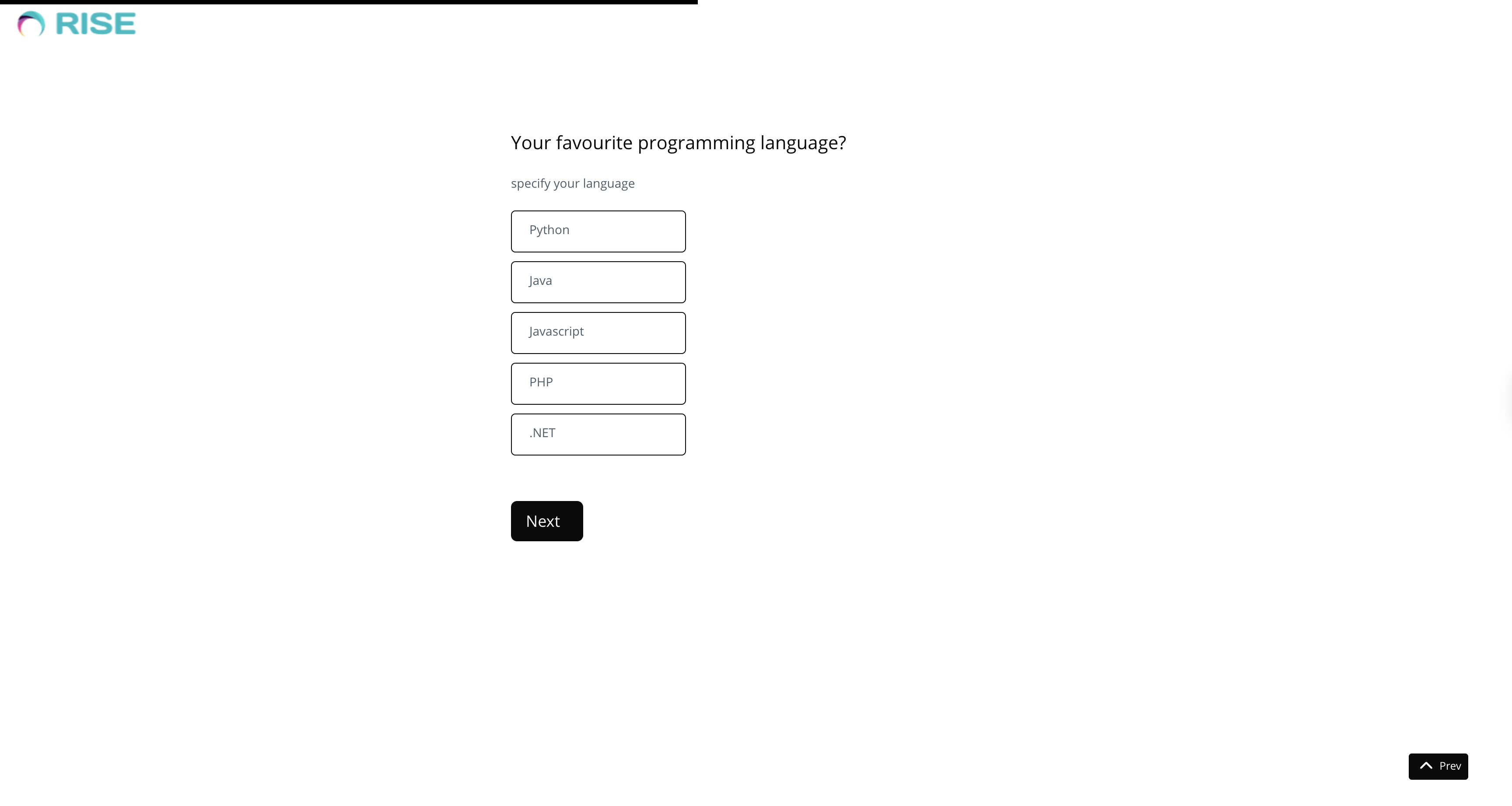
No More Long Forms, Make your forms worth filling out and Get more data.
Prefer a Single Page Form? Great news—we’ve got you covered!
Privacy Controls :
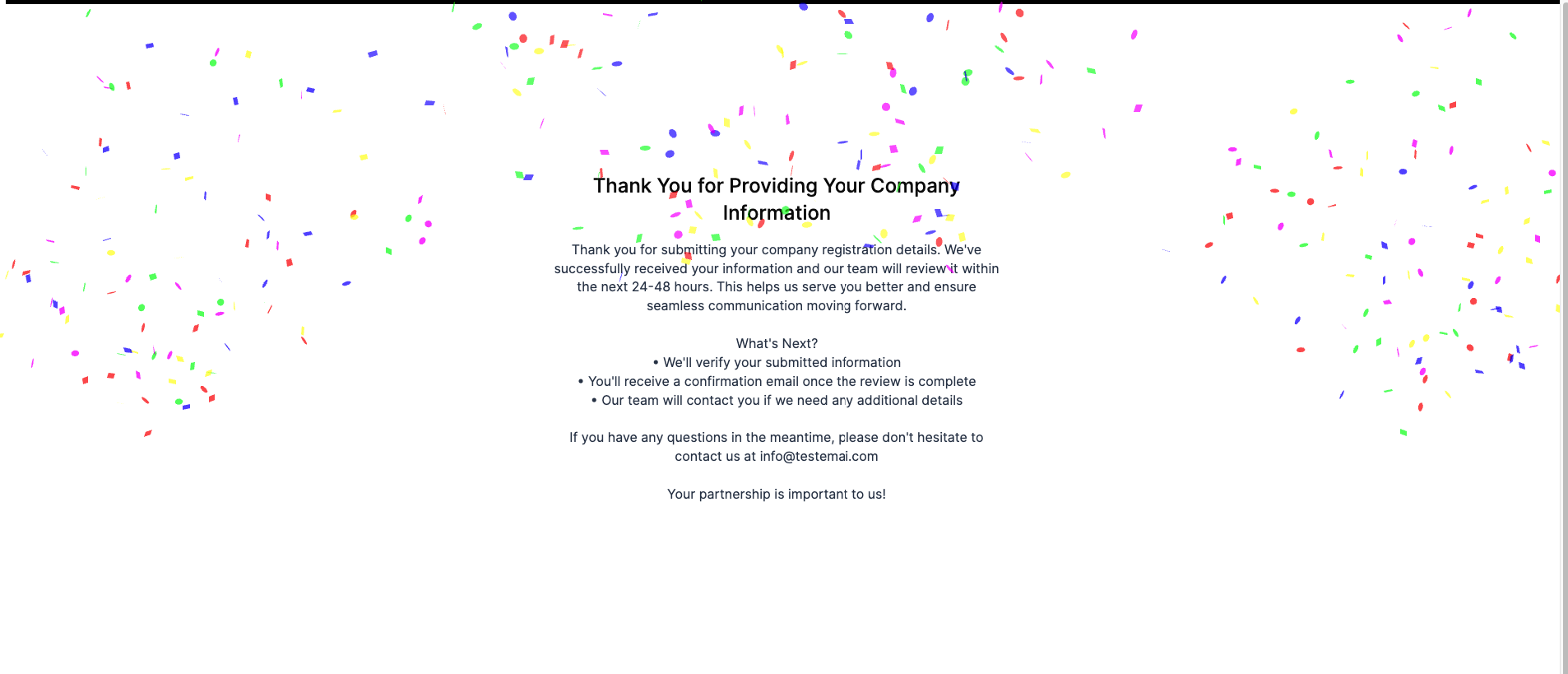
Confetti Celebration Feature :
Start Creating Beautiful, Smart and Intelligent Form today with Flexform.
Admin Username
Password
From multipurpose themes to niche templates